
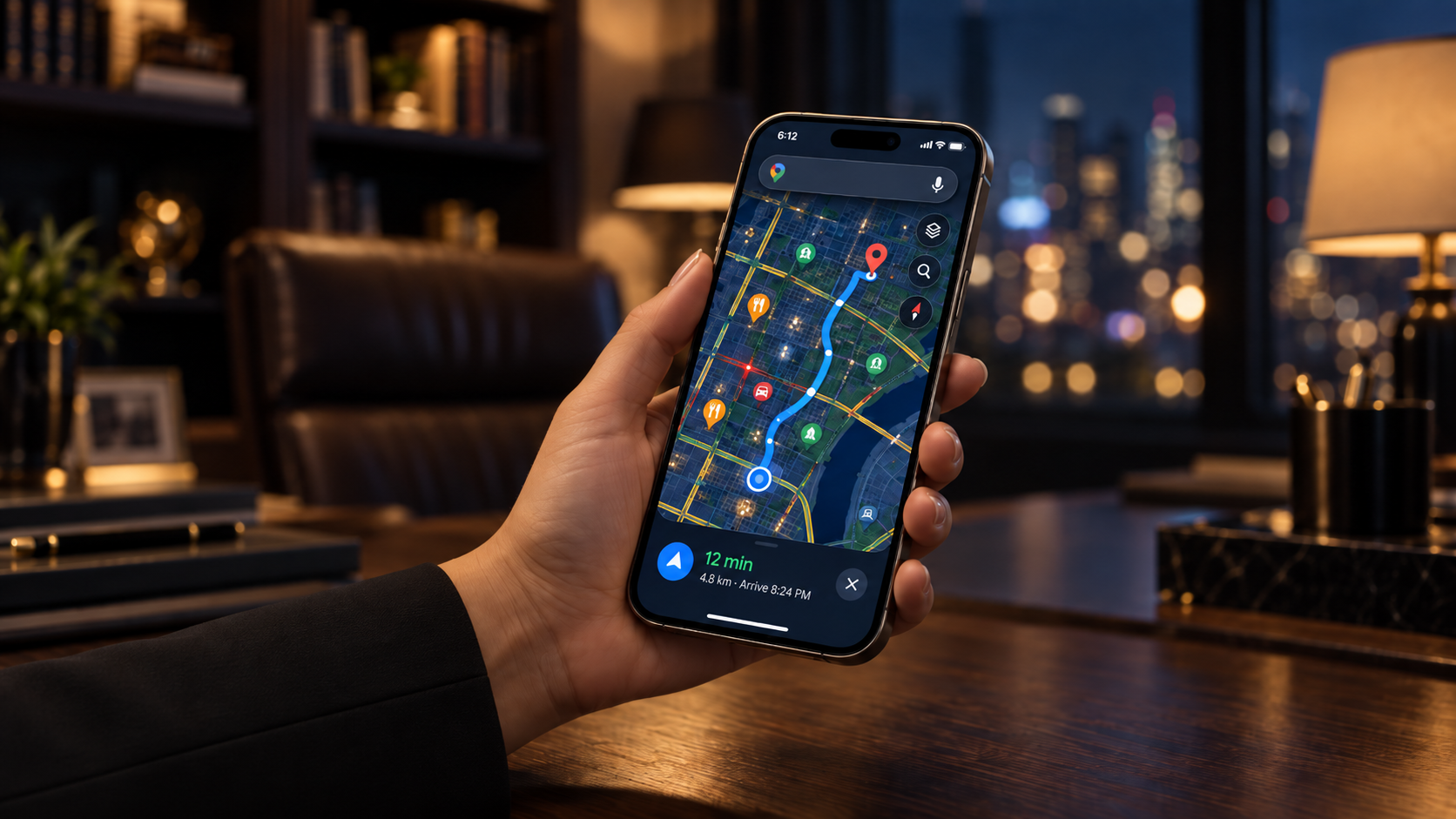
Let's be honest: most med spa owners think having a website is enough. It's not. When someone searches "med spa near me" or "medical aesthetics [your city]," Google doesn't just show websites. It shows a map, a handful of business listings with photos and reviews, and phone numbers people can tap without ever clicking through to a site. That map and those listings come from one thing: your Google Business Profile.
If your practice isn't showing up there, you're invisible to a huge chunk of people who are actively looking for exactly what you offer, at the exact moment they're ready to book. Not people who might become patients someday. People with their phone in hand, searching right now.
Here's what makes this frustrating: most practices that do have a listing filled it out once, years ago, with the bare minimum. A name, an address, maybe a phone number. No description, no real photos, no service area defined, no rhythm of updates. That's the common move. The rare move, and the one that actually gets you found, is treating this listing like the asset it is.
Why this matters more than most owners realize
I've walked into a lot of practices where the owner can tell me exactly what they spent on a new laser, down to the financing terms, but has no idea what's happening on their Google listing. That gap costs money quietly, month after month, because nobody's watching it.
A Google Business Profile isn't a directory listing. It's a live storefront that shows up before your website does, before your Instagram does, before anything else. When someone searches for aesthetic services in your area, Google decides which three businesses appear in what's called the "local pack," the map with three listings at the top of the results. Everything below that gets a fraction of the clicks. If you're not in that pack, or your profile looks unfinished when someone does find it, you've lost the booking before you ever had a chance to earn it.
This is also one of the few growth levers left that doesn't cost anything to use well. You don't need an ad budget. You need to fill it out completely, accurately, and with intention. That's it. Most of your competitors won't bother. That gap is yours to take.
Step 1: Claim or create your profile
Go to google.com/business and sign in with the account you want tied to your practice. This should be an account you and your team will actually keep access to long-term, not someone's personal account who might leave the practice in a year. If a listing already exists, and often one does even if you never created it, you'll claim it. If not, you're starting from scratch. Either way, this is the foundation everything else builds on, so don't rush it.
Step 2: Pick the right category
You'll be asked what type of business you are. Search for the category that actually matches what you do: medical spa, aesthetician, skin care clinic, or similar, depending on how your practice is structured. Don't grab the first thing that looks close. This category is how Google decides which searches you show up for, and it's also one of the most common places I see practices quietly sabotage themselves by choosing something too broad, like "spa," instead of something specific to medical aesthetics. You can add secondary categories later for the additional services you offer, like injectables or laser treatments, but your primary category should be the one that best describes the core of what you do.
Step 3: Define your service area honestly
If you have a physical location patients walk into, your listing centers on that address, and that address needs to match exactly what's on your website and your other online listings. Even small inconsistencies, like "Suite 4" on one and "Ste. 4" on another, can quietly confuse Google about whether it's really the same business.
If you run a more virtual or mobile model, Google lets you list service areas instead of a public address. Either way, be accurate. An area that doesn't reflect where you actually serve people looks off to Google and to the people searching. I'd rather see a practice list three cities it genuinely serves well than fifteen it barely touches. Overreaching on service area is one of the fastest ways to end up with a profile Google trusts less, not more.
Step 4: Add real contact details
Your phone number and website need to be current and correct, and they need to match what's listed everywhere else your business appears online, your website footer, your social profiles, any directories you're on. This sounds obvious. It's the step most practices get wrong because nobody goes back to check it after the initial setup, especially after a phone system change or a rebrand. If you offer online booking or a chat option, add that link too. Every additional way someone can reach you without having to think is one less reason they choose a competitor instead.
Step 5: Decide on hours with intention, not default
Don't just copy your front-door hours if that's not really when people can reach you. If you take calls or bookings outside those hours, or your real availability doesn't match a standard 9 to 5, either reflect that accurately or leave hours blank until you can set them properly. A wrong "Closed" label at the exact moment someone's ready to book costs you that booking, and they usually don't come back to try again later. They just call the next listing on the map.
If your hours shift seasonally, or you close for specific holidays, use Google's special hours feature to reflect that instead of letting your standard hours sit there as wrong for a week at a time.
Step 6: Write a description that says something
Google gives you 750 characters. Most practices waste it on generic phrases like "we offer the best care" that could describe literally any med spa in the country. That's not a description, that's filler, and Google's own search algorithm, along with every person reading it, can tell the difference.
Use that space to say what actually makes you different, backed by something specific: years of experience, a real result, a real philosophy, the specific problem you solve for the patients who walk through your door. Generic copy gets skipped. Specific copy gets remembered, and it's also more likely to naturally include the terms people are actually searching for, which helps your visibility without you having to think about "keywords" at all.
Step 7: Add real photos
This is where trust gets built or lost. A blank profile, or one with only a logo, reads as unfinished, and people scroll past it the same way they'd scroll past an empty storefront. Real photos of your space, your team, or your work (with proper client consent) do more to earn a click than almost anything else on the page.
Profiles with a strong, varied photo library, your entrance, your reception area, your team, real (consented) before-and-afters, consistently get more requests for directions and more calls than profiles with just a logo and a stock exterior shot. People want to see where they're walking into before they walk in. Add new photos regularly, not just once at setup, since a profile that visibly gets updated reads as an active, trustworthy business.
Step 8: Get your listing verified
Google needs to confirm you're a real business before your listing goes fully live in search and Maps. This usually happens through a phone or text code, sometimes a mailed postcard, and occasionally a video verification for service-area businesses without a public storefront. Don't skip this, and don't let it sit half-finished. An unverified listing won't show up reliably, no matter how well you filled everything else out, and I've seen practices lose weeks of visibility simply because the postcard sat on someone's desk unopened.
Step 9: Grab your Maps link and put it to work
Once you're live, share your Google Business Profile so people can review you, and embed your Maps location on your website, ideally right above your main call-to-action. This ties your online presence together instead of leaving your Google listing and your website as two disconnected things that happen to have the same name.
This is also the point where reviews start to matter. Make asking for a Google review part of your actual checkout or follow-up process, not something you remember to do occasionally. A steady, ongoing stream of recent reviews tells Google, and everyone reading them, that your practice is active and trusted right now, not just three years ago.
Common mistakes I see even after the profile is "done"
Filling out the profile once and never touching it again is the biggest one. Google rewards activity: new photos, responses to reviews, posts about services or offers, updates to hours around holidays. A profile that goes quiet for a year looks the same to Google as a business that might have closed.
Letting negative reviews sit unanswered is another. You don't need a defensive response, you need a calm, professional one that shows future patients you take feedback seriously. And duplicate listings, often created accidentally when a staff member sets up a "new" profile instead of finding the existing one, split your reviews and your visibility in half. If you suspect you have duplicates, it's worth checking before you invest more time building out either one.
Here's the part most practices miss: this isn't a set-it-and-forget-it task. A complete, accurate, intentional Google Business Profile is one of the few genuinely free ways left to get found by people who are ready to book. Most of your competitors won't bother doing it right. That gap is yours to take.
If you're not sure whether your practice's operations, online presence included, are set up to actually convert the people who find you, that's exactly what the Owner Dependency Scorecard is built to show you. It's free, and it takes ten minutes to tell you where the real gaps are.